GTA Online continues to thrive in 2026, and with it, a vibrant community of players pushing the boundaries of customization through clever clothing glitches. These exploits allow you to mix and match items that Rockstar never intended to combine, creating unique and stylish outfits. As of February 2026, the following five glitches have been confirmed working across platforms. Follow the steps carefully, and remember that Rockstar could patch them at any time. Always test in an Invite Only session to avoid issues.
1. Transfer Any Shoes to Any Outfit (Yoga Mat Method)
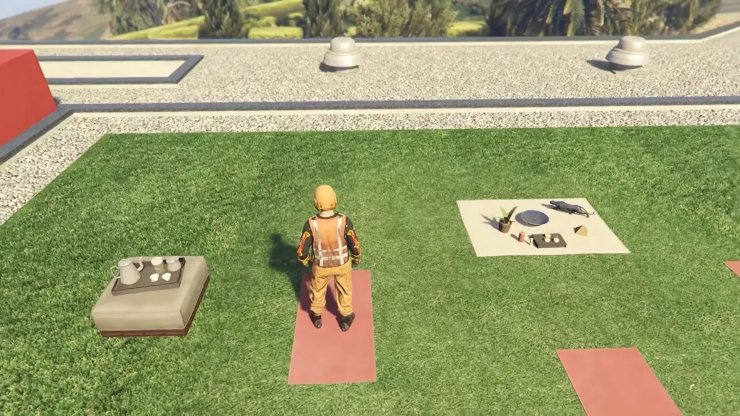
This glitch lets you slap scuba flippers, boots, or any footwear onto outfits where they are not normally compatible. It's perfect for functional underwater gear or aesthetic mixes.
- Buy and equip the outfit with the desired shoes (e.g., orange scuba suit) at a clothing store.
- Head to your Agency rooftop yoga mats (or any accessible yoga spot).
- Interact with a mat to start yoga.
- As the animation begins: Open the pause menu, hold pause + X (PS) or A (Xbox), release X/A first, then pause.
- The screen semi-freezes. Tap pause twice, open Interaction Menu > Change Appearance > select target outfit.
- Save the new outfit at a wardrobe or clothing store.
2. Hat, Mask, and Helmet Combo Glitch (Soda Machine Method)
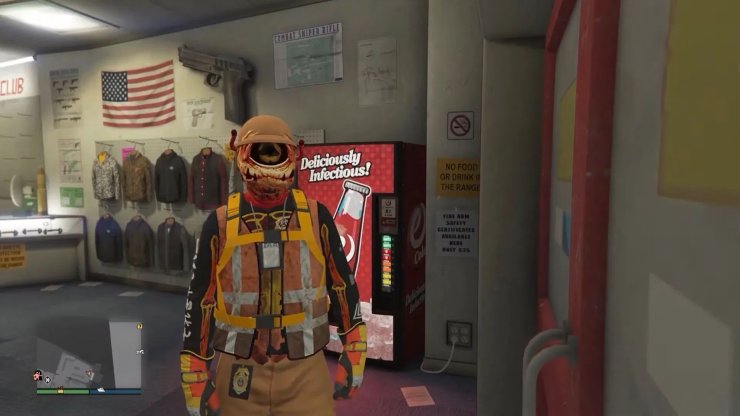
Stack helmets, hats, and masks for layered headgear that defies normal rules.
- Save an outfit with your desired helmet.
- Equip a bodysuit mask.
- Go to the Ammu-Nation soda machine near Simeon.
- Interact with it, then quickly pause and start an Invite Only Session as the mask flickers.
- Set spawn to Last Location. Return to the soda machine (options grayed out means success).
- Equip the saved helmet outfit.
- Drink soda (right on D-pad), throw can, and re-equip mask during animation.
- Save the outfit.
3. Belt Merge Glitch (Lamar Job Method)
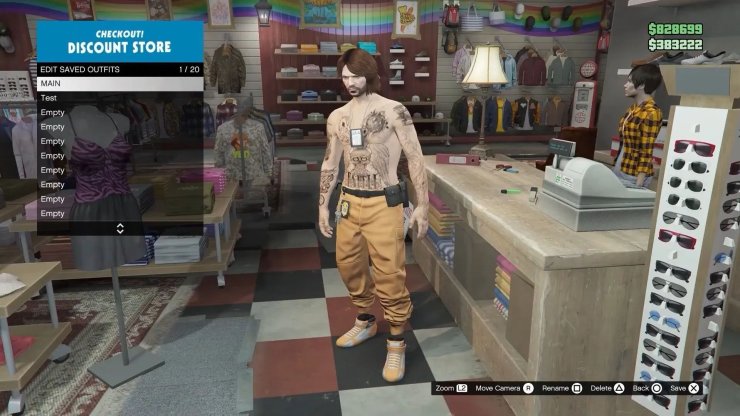
Add utility belts, janitor belts, or plate carriers to any outfit.
- Equip Peach Plate Carrier (buy if needed), save it.
- At mask shop: Equip black bulletproof helmet and chemical mask.
- Start "Titan of a Job" (Rockstar Created > Missions).
- Items vanish; save the blank outfit at Ammu-Nation.
- Leave job via phone.
- Equip belt outfit (no hat), bookmark and start "It's A G Thing" (Lamar mission, needs one other player).
- In-job: Set to Player Owned, hover outfit to merge belt.
- Leave job, enter vehicle, register CEO, Style > switch outfits, exit and save.
4. Night Vision Goggles on Any Outfit
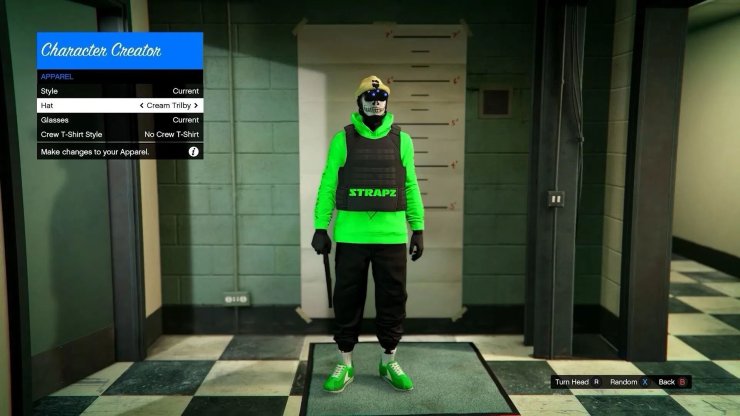
Attach NVGs from heist gear to custom looks for a night-ops vibe.
- Go to Ammu-Nation > Gear > equip NVGs.
- Interaction Menu > Change Appearance > Character Creator > Apparel > scroll hats left once.
- Save and continue; take snapshot to load session.
- Register CEO, Style > switch right then left through outfits to merge NVGs.
- Save.
5. SWAT/NOOSE Pants with Black Tee
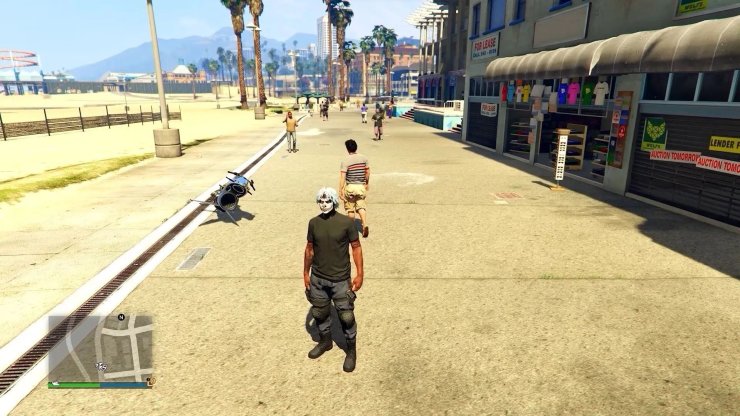
Unlock tactical pants and a clean black shirt from restricted outfits.
- Own NOOSE or SWAT Police outfit.
- Bookmark "Last Team Standing" job that spawns underwater.
- Start job (invite friend if needed), surface.
- Interaction Menu > Appearance > Accessories > Gloves > equip any, quit via phone.
- Spawn in free roam with pants.
- Mask shop: Equip bottom headscarf, remove it for black tee.
- Add armor/gloves as desired; save.



Comments