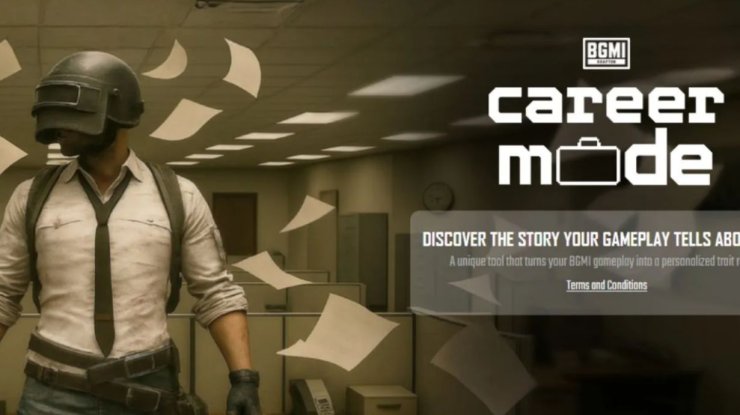
In a groundbreaking move, KRAFTON India has launched BGMI Career Mode, an innovative web-based tool that transforms your Battlegrounds Mobile India (BGMI) gameplay statistics into actionable insights about your cognitive skills and personality traits. This isn't your typical in-game update; it's a free, no-login experience designed to bridge gaming prowess with real-world career potential, perfect for students, aspiring pros, and anyone curious about what their playstyle reveals.
What is BGMI Career Mode?
BGMI Career Mode analyzes your gameplay stats alongside responses to a few quick, scenario-based questions to produce a shareable report. It highlights strengths in areas like problem-solving, adaptability, teamwork, decision-making under pressure, and leadership, categorizing them into Core Skills, Adaptive Skills, and Additional Attributes. Think of it as a fun psychometric snapshot: your aggressive rushes might show risk-taking flair, while clutch revives could indicate strong composure.
Importantly, it's not a job placement service or official certification. No one will contact you for opportunities, and your data isn't stored or sold - everything is processed once and discarded for privacy.
Why Generate a Skill Report?
Your report offers a unique way to showcase soft skills on resumes, LinkedIn, college apps, or interviews. It translates K/D ratios and survival times into narrative strengths, helping you reflect on habits like strategic thinking or team dynamics. Early users are raving about how it breaks down playstyles into real-life traits.
How to Generate Your Skill Report: Simple 7-Step Guide
Getting started takes just minutes. You'll need a clear screenshot of your BGMI career stats - no account linking required.
- Launch BGMI and head to the lobby.
- Tap your profile avatar (usually bottom-right corner).
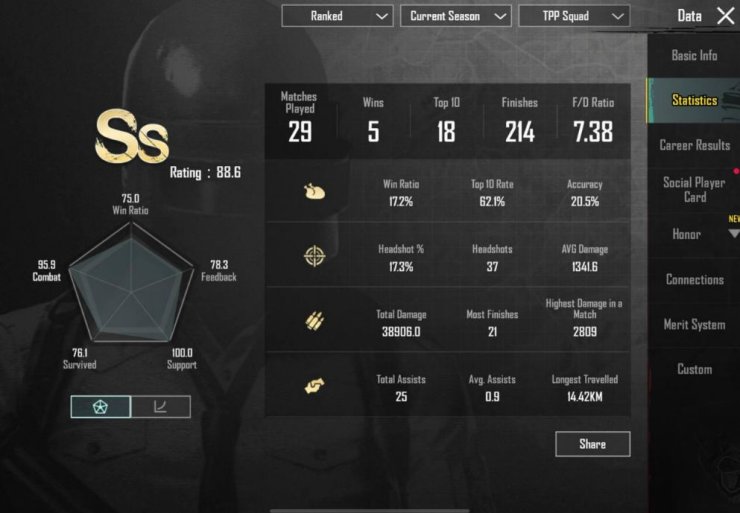
- Go to the "Statistics" or "Data" tab. Scroll down to "Career Results" and select your preferred mode (e.g., TPP Squad for team play). This shows key metrics like matches played, wins, top 10s, K/D ratio, win rate, accuracy, avg damage, and more.
- Take a screenshot of the full career stats screen. Ensure all numbers are legible - crop if needed but keep it comprehensive.
- Visit the official site: Open https://bgmicareermode.com/ in your browser.
- Click "Start Assessment" or "Generate Your Report". Upload your screenshot when prompted.
- Answer the questions: Respond to a handful of quick, game-inspired scenarios (e.g., in-match decisions). Submit, and download your personalized report instantly!
Your report will detail your playstyle, cognitive strengths, and growth areas - ready to share as a PDF.
Pro Tips for the Best Report
| Tip | Why It Helps |
|---|---|
| Use squad stats | Most reflective of teamwork and leadership - BGMI's core. |
| Play a few matches first | Fresh stats capture your current form. |
| Clear screenshot | Blurry images might skew analysis. |
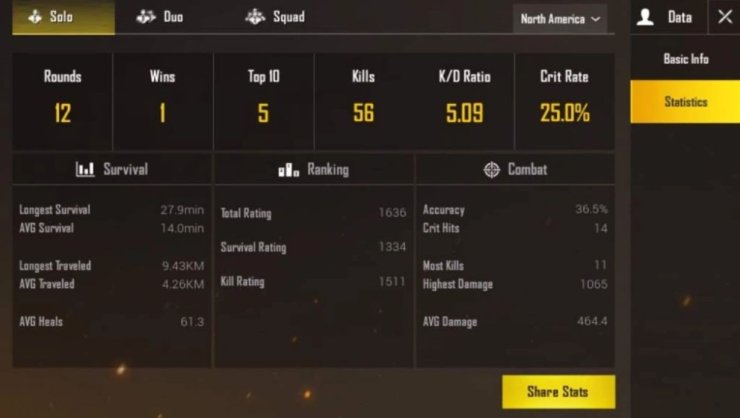
| Try multiple modes | Generate reports for Solo (individual skills) vs. Squad (team traits). |
| Share on socials | Tag #BGMICareerMode to join the buzz! |








Comments