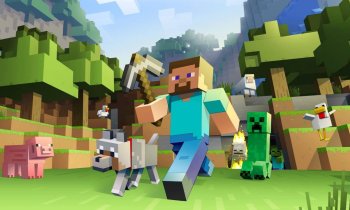
Immersive Vehicles is a highly detailed Minecraft mod that brings realistic planes, cars, trucks, helicopters, and tanks to the game with authentic physics and mechanics. Originally evolving from Minecraft Flight Simulator, it emphasizes building your own vehicles from craftable parts, managing fuel and engines, and experiencing lifelike handling. Unlike simple vehicle spawns, this mod requires assembly at workbenches, making it perfect for simulation enthusiasts.
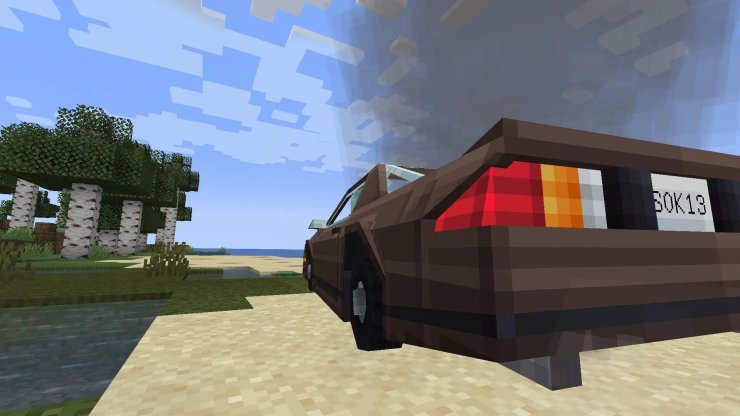
The mod shines in Forge-supported versions up to 1.20.1 and does not include vehicles by default. You must install content packs for models and parts.
Installation Steps
- Install Forge: Download the recommended Forge version for your Minecraft edition (e.g., 1.20.1) from the official Forge site and run the installer.
- Download Core Mod: Get Immersive Vehicles from CurseForge or Modrinth. Place the .jar file in your
modsfolder. - Add Content Packs: Essential for vehicles. Download the Official Content Pack (OCP) from Modrinth or CurseForge and add it to
mods. Other packs like UNU Civilian or IFS expand options. - Launch and Test: Create a new world. If you see a "missing packs" warning, install a content pack. Use Modrinth App for easy one-click installs to avoid conflicts.
Tip: Always use a new instance/profile to prevent mod conflicts or world corruption.
Crafting and Building Vehicles
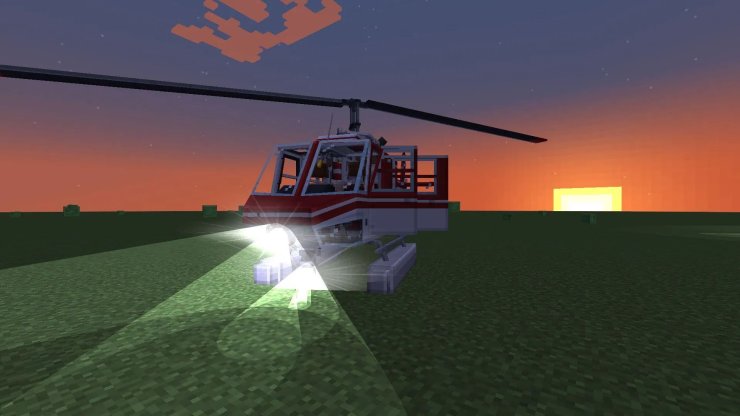
Vehicles are assembled like real machines using chassis, bodies, engines, wheels, propellers, seats, and gauges. All parts from the Official Pack are survival-craftable.
- Gather Materials: Craft basic parts like engines (e.g., piston, gasoline) and wheels at standard crafting tables.
- Use Workbenches: Specialized benches for tuning:
- Engine Workbench: Assemble and repair engines.
- Chassis Workbench: Build frames.
- Vehicle Assembler: Final assembly.
- Steps to Build:
- Craft a chassis/body from the pack (e.g., car frame).
- Add compatible engine, transmission, wheels/props.
- Install seats (pilot/driver first), gauges (fuel, temp, speed).
- Add extras: chests for storage, lights, weapons (tanks).
- Right-click chassis with wrench to finalize.
Ensure part compatibility (e.g., small engine for light planes). Incompatible setups show warnings.
In-Game Manual: Craft the manual book for recipes, engine care (avoid overheating/black smoke), and startup sequences.
Controls and Driving/Flying
Controls are customizable in Minecraft's keybinds menu under "Immersive Vehicles." Default setup mimics real vehicles:
- Enter/Exit: Right-click seat or
E. - Throttle/Accelerate:
W. - Brake/Reverse:
S. - Steer:
A/D. - Planes/Helis: Mouse yoke for pitch/roll (enable in config for smoother flight like Flan's mod),
W/Sfor throttle/prop pitch. - Gear/Flaps: Configurable keys (check manual).
- Lights/Brakes:
L,Space. - Joystick Support: Plug in any USB joystick/steering wheel for full analog control.
Physics include tire blowouts, slippery ice, fuel depletion (use lava/gasoline), and ground effect. Planes need runway speed for takeoff.
Official Content Pack Vehicles
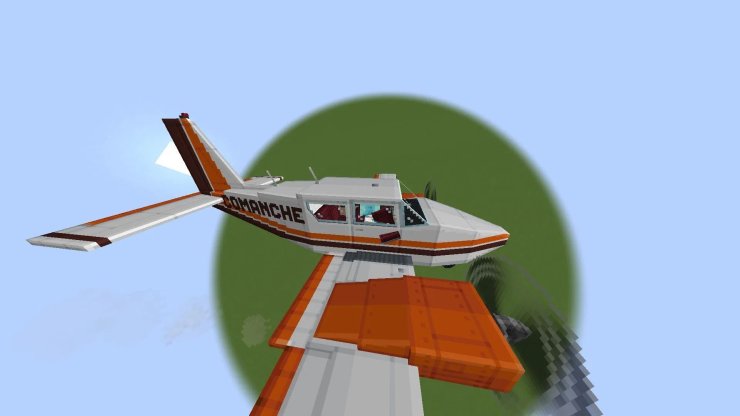
The OCP provides a starter set of craftable rides:
Planes:
- Skyhawk (pontoon seaplane)
- MC-172
- Vulcanair
- Eclipse 500
- Comanche
- Trimotor
- PZL-P11
- PZL.37 Los (bomber)
Helicopters:
- Bell-47g
- Bell 206 Commando (cargo hoist)
Cars/Trucks:
- Mercedes, Quad
- Ford Mustang
- GMC Brigadier/Tanker/Scout
- Renault FT-17 Tank
- Firetruck
Others: Tanks, signs, decor.
Fuel, Gauges, and Maintenance
- Fuel: Lava or mod fuels. Refuel via cans or pumps. Gauges track level.
- Gauges: Monitor RPM, temp, oil, voltage, altimeter, heading.
- Maintenance: Repair blown tires/engines at workbenches. Overheat causes smoke/failure.
Tips and Tricks
- Start with simple cars before planes.
- Build runways for jets.
- Use chests in cargo seats for transport.
- Config tweaks: Edit
immersivevehicles.cfgfor fuel types, mouse sensitivity. - Multiplayer: Vehicles sync perfectly.
- Expand: Add packs for supercars, airliners, military gear.
Common Issues and Fixes
- No Vehicles: Install content pack.
- Crashes: Version mismatch; use matching Forge/packs.
- Controls Unresponsive: Bind keys; try mouse yoke.
- Support: Join Discord or GitHub issues.






Comments