After about a month of Insider testing, the official Xbox account confirmed on September 29 that most Xbox One and Xbox Series X physical games can now unlock a digital license. You no longer need to be in the Insider program.
A supported disc can grant a digital entitlement on your Microsoft account so the game can be installed and launched without keeping the disc in the drive. That entitlement also unlocks extras the disc never had, such as Play Anywhere and Cloud Gaming on titles that already support those services.
How the Feature Works
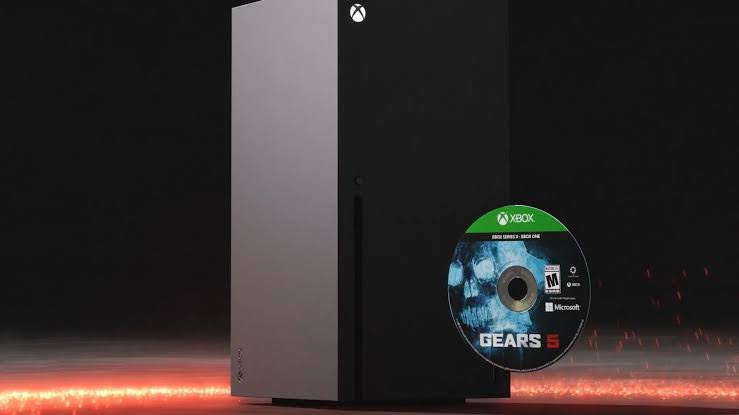
You need an Xbox One or Xbox Series X with a disc drive. Series S and digital-only Xbox One consoles cannot claim licenses because they have no optical drive. Insert a supported disc, then launch the game. You can also highlight the game tile on the dashboard, press the Menu button, and choose Claim Digital License if that option appears.
If the disc is eligible, the console confirms the claim. After that, eject the disc and install or launch the game from your library. The physical copy still works as a normal disc. The digital license is tied to that specific disc, not a free second copy. If you sell, lend, or give the disc away and someone else claims it on their account, your digital access moves with the disc.
What You Get After Claiming
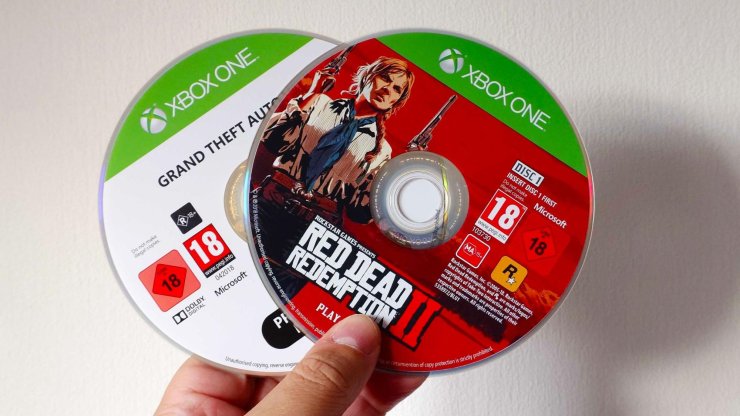
Once claimed, the game behaves like a digital purchase on your account. You can play without the disc inserted. Family members who share your console also get access. If the title is an Xbox Play Anywhere game, you can play it on PC or handheld Xbox devices. Cloud Gaming works on supported titles as well.
Microsoft is starting with thousands of Xbox One and Series X games and adding more over time. Publishers such as Ubisoft and SEGA have already joined. Not every disc is eligible. Original Xbox and Xbox 360 games are not included. Eligibility can change because of licensing, publishing, manufacturing, or other factors.
If the Option Does Not Appear
The feature was included in the September 22 system update and unlocked later for all users. If you do not see a claim prompt, restart the console from Settings, General, Power Options, then Restart Now. If you plan to claim many discs in one sitting, turn off Play Disc Automatically in your profile and system settings so each insert does not boot the full game.
This is a practical win for anyone with a large physical library. Games stay playable even if future Xbox hardware drops disc drives. Keep the disc if you want to keep the license.









Comments