Budget gaming monitors in 2026 are in a weirdly good place. You can get a 27-inch 1440p panel with a high refresh rate for the same money that used to buy a basic 1080p 144Hz screen. Mini-LED even showed up in this price band, which used to be a midrange-only feature.
This list sticks to street prices roughly in the $120 to $280 range. Prices move weekly, so treat the numbers as a snapshot, not a promise. Check current listings before you buy.
How to pick one
- Competitive shooters: prioritize refresh rate and response time over resolution.
- Story games and HDR: contrast and brightness matter more.
- Mixed use (work plus games): 27-inch 1440p IPS is still the sweet spot.
- Weak GPU: 1080p 240Hz is easier to feed than 1440p 180Hz.
1. AOC Q27G3XMN: best picture on a budget
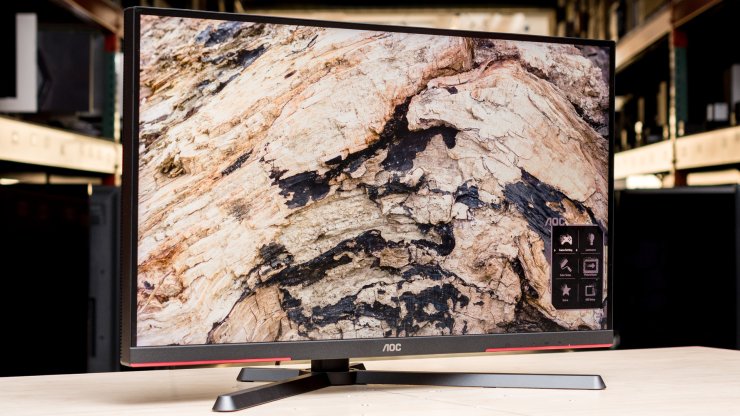
Typical price: $230 to $280
Specs: 27-inch | 2560x1440 | 180Hz | Fast VA Mini-LED | 336 dimming zones | DisplayHDR 1000 | FreeSync Premium Pro / G-Sync compatible
This is the one testers keep coming back to. A Mini-LED backlight with local dimming at this price still feels like cheating. Blacks go much deeper than a normal IPS, highlights punch harder in HDR games, and 1440p on 27 inches stays sharp enough for both gaming and desktop work.
Use DisplayPort if you want the full 180Hz. HDMI tops out at 144Hz on this model. The stand has height, tilt, and swivel, which is better than most rivals in this bracket.
Watch for: VA panels smear a bit in dark scenes. Fast-moving objects against black backgrounds can leave a faint trail. If you play a lot of night-time shooters, an IPS option further down this list may feel cleaner.
Best for: single-player games, HDR titles, and anyone who wants contrast without jumping to OLED.
Also look at: the AOC Q27G40XMN, a Best Buy-leaning sibling with more dimming zones (1,152) but a tilt-only stand. Same core idea, slightly different trade-offs.
2. Dell SE2426HGS: cheapest way to play at 240Hz
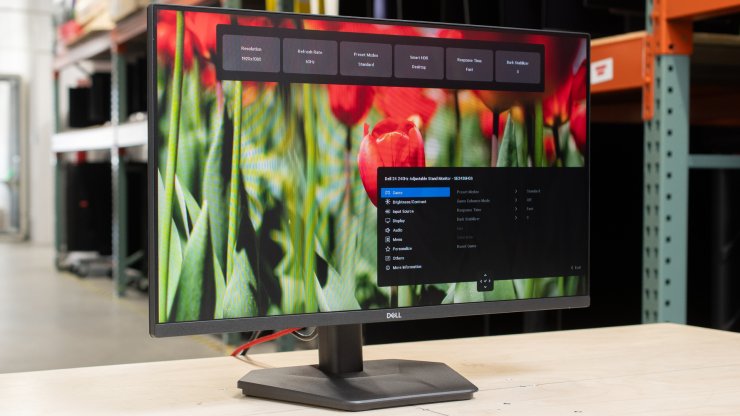
Typical price: $120 to $140
Specs: 23.8-inch | 1920x1080 | 240Hz | Fast IPS | FreeSync Premium | height, tilt, and swivel stand
If your budget is tight or your GPU cannot hold 1440p at high frame rates, this Dell is the honest pick. 240Hz on a 24-inch IPS panel is excellent for Valorant, CS2, Overwatch, and Fortnite. Motion is clean, input lag is low, and the stand is actually adjustable instead of a cheap tilt-only plate. Dell often sells it around $120.
1080p on 24 inches is still usable for work, and the matte coating handles room light better than many glossy budget screens.
Watch for: contrast is typical IPS, so blacks look gray in a dark room. HDR is weak. The smaller size is less immersive for story games.
Best for: competitive 1080p gaming, secondary monitors, and first-time PC builders who spent most of the budget on the GPU.
3. ASUS TUF Gaming VG27AQ3A: safest 1440p all-rounder
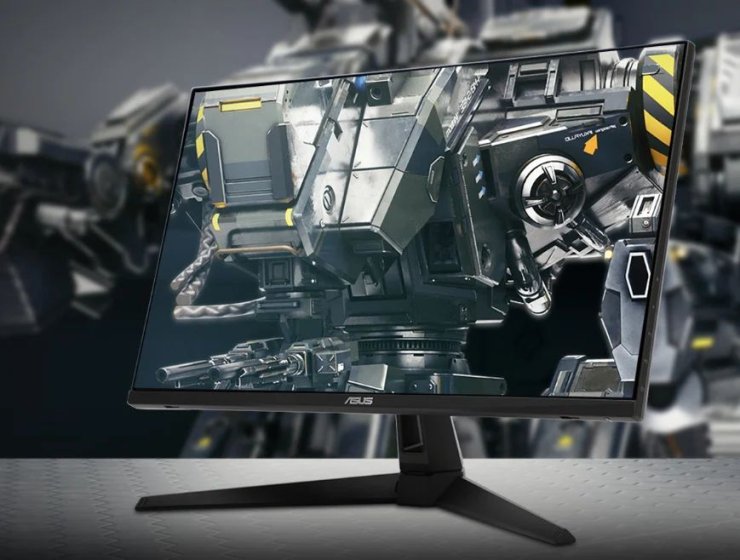
Typical price: $180 to $220
Specs: 27-inch | 2560x1440 | 180Hz | Fast IPS | ELMB Sync | FreeSync Premium / G-Sync compatible | built-in speakers
This is the "buy it and stop thinking about it" monitor. Fast IPS means wide viewing angles, decent colors (about 130% sRGB), and less dark-scene smearing than VA. 180Hz is enough for most games. ASUS ELMB Sync lets you run backlight strobing and variable refresh at the same time, which helps motion clarity if you like that look.
Build quality and warranty (typically 3 years) are stronger than no-name brands. Speakers are fine for videos, not for serious audio.
Watch for: brightness is only about 250 nits, so it struggles in a very bright room. Contrast is standard IPS. HDR10 support is there on paper, not impressive in practice.
Best for: mixed gaming and work, people who want a known brand, and anyone upgrading from an old 1080p 60Hz panel.
4. AOC Q27G4ZR: 1440p at 240Hz without the premium tax
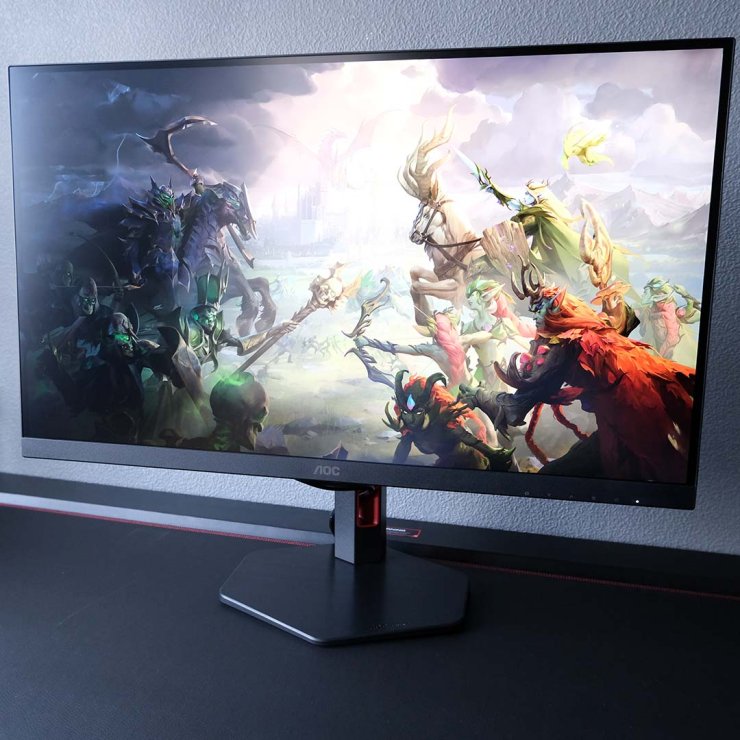
Typical price: $180 to $220 (often around 180 to 200 euros in Europe)
Specs: 27-inch | 2560x1440 | 240Hz native (260Hz overclock) | Fast IPS | DisplayHDR 400 | Adaptive Sync / G-Sync compatible | fully adjustable stand
A few years ago, 1440p at 240Hz cost serious money. This AOC puts that combo near $200. Reviewers like Club386 and KitGuru called out the brightness and value. The panel is Fast IPS, so motion holds up in competitive games better than most VA budget screens. The stand does height, tilt, swivel, and pivot.
If you have a GPU that can actually push 1440p at high frame rates, this is more future-proof than a 180Hz panel.
Watch for: color gamut is narrower than premium IPS models. There is no USB hub. HDR 400 is a mild boost, not a Mini-LED or OLED experience.
Best for: high-refresh 1440p gaming when you want speed first and HDR second.
5. KTC H27T22S: the price-cut 1440p IPS
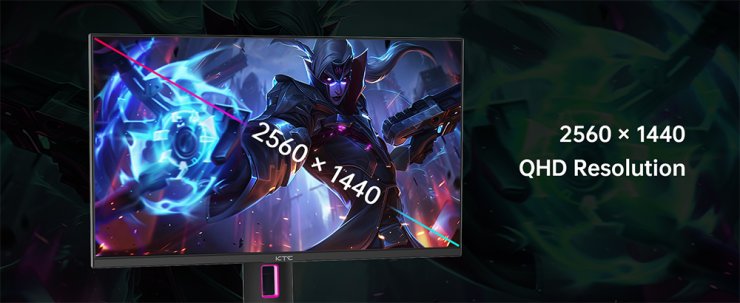
Typical price: $130 to $170 on sale
Specs: 27-inch | 2560x1440 | 180Hz | Fast IPS | Adaptive Sync / G-Sync compatible | VESA mount
KTC is the brand that keeps showing up in "how is this so cheap" lists. The H27T22S (and close siblings like the H27T22C-3) give you a 27-inch 1440p 180Hz IPS panel for less than many 24-inch 1080p monitors. Wide color for the money and fast response times are the usual praise. Display Ninja has repeatedly flagged it as the value king under $150 when it is on sale.
Support and QC are the trade-off. Brand-name warranty and panel consistency are not as reliable as Dell or ASUS. Buy from a retailer with an easy return policy.
Watch for: stands on these models are often tilt-only. QC varies. Firmware and OSD quality are basic.
Best for: stretching a tight budget to 1440p, secondary screens, and shoppers who will VESA-mount the panel anyway.
Quick comparison
| Monitor | Size / res | Refresh | Panel | Why it is here | Typical street price |
|---|---|---|---|---|---|
| AOC Q27G3XMN | 27" 1440p | 180Hz | Mini-LED VA | Best contrast and HDR | $230-$280 |
| Dell SE2426HGS | 24" 1080p | 240Hz | Fast IPS | Best cheap competitive pick | $120-$140 |
| ASUS VG27AQ3A | 27" 1440p | 180Hz | Fast IPS | Safest brand all-rounder | $180-$220 |
| AOC Q27G4ZR | 27" 1440p | 240Hz (260 OC) | Fast IPS | Fastest 1440p in this list | $180-$220 |
| KTC H27T22S | 27" 1440p | 180Hz | Fast IPS | Lowest price for 1440p | $130-$170 |
What I would actually buy
- One monitor, mixed games: ASUS VG27AQ3A if you want a known brand, AOC Q27G3XMN if you care more about contrast and HDR.
- Ranked shooters only: Dell SE2426HGS if the GPU is modest, AOC Q27G4ZR if you can hold 1440p at high fps.
- Lowest spend for a real upgrade: KTC H27T22S on sale, then return it if the panel lottery is unkind.
OLED is cheaper than it used to be, but most "budget OLED" screens still sit closer to $350 than $200. If you can stretch that far, the Dell Alienware AW2726DM is the usual next step. For this article, the five above are the ones worth checking first if you want to stay in true budget territory.
One last reminder: match the monitor to the GPU. A 240Hz 1440p panel does nothing if the card is stuck at 80 fps. Buy the panel your hardware can actually feed.










Comments